

Learn the platform
Video tutorials
Short, practical walkthroughs of every SubTrade workflow, from first project to progress billing. Also available on our YouTube channel.
 Tutorial · PDF guide
Proposals: build templates and send for e-signature
Set your brand once, lay out the page your way, attach your docs and get the job signed online.
 Tutorial · PDF guide
Project reports: share progress with your client
Build a client report from the job and send it as a one-time PDF or a live link locked with a PIN.
 Tutorial · PDF guide
Project dashboard and templates
Run every job from one screen and start each new one from a template.
 Tutorial · Part 1 of 4 · PDF guide
Forms, Part 1: The forms dashboard
Every form, folder and submission in one place. Start of the 4-part forms series.
 Tutorial · Part 2 of 4 · PDF guide
Forms, Part 2: Build a form
Drag in the fields, preview it on a phone and add automations that email or open tasks on their own.
 Tutorial · Part 3 of 4 · PDF guide
Forms, Part 3: Forms in your projects
Bring the right forms into each job, post a QR code on site and track every submission.
 Tutorial · Part 4 of 4 · PDF guide
Forms, Part 4: Review submissions
Find any submission, see it the way the crew filled it in and download a branded PDF.
 Tutorial · Part 1 of 3 · PDF guide
Bid Manager, Part 1: Your bid pipeline
Every tender on one board, with your pipeline value, win rate and a New Tender button.
 Tutorial · Part 2 of 3 · PDF guide
Bid Manager, Part 2: Inside a tender
The map, the dates, the GC contact, your scope and the drawings, all on one tender.
 Tutorial · Part 3 of 3 · PDF guide
Bid Manager, Part 3: Proposals, vendors and follow-ups
Build and revise proposals, get vendor pricing without the email chase, and auto-chase before the due date.
 Tutorial · PDF guide
Progress billing: SOV, claims and holdback
Set up a job for billing, claim by percent or amount, bring in change orders and track every dollar of holdback.
 Tutorial
Set up new employees fast
Add crew members and get them clocking in the same day.
 Tutorial · PDF guide
Employee time sheets workflow
Review, correct and approve crew hours without the Friday detective work.
 Tutorial
Time tracking approval and time splitting
Approve time and split hours across jobs and cost codes.
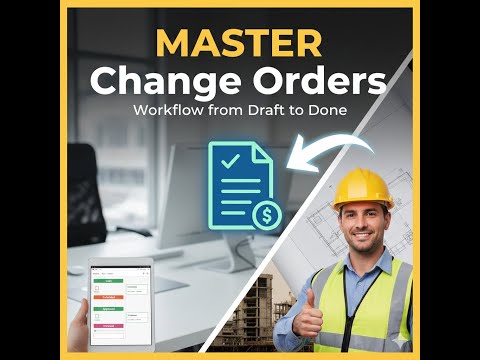 Tutorial
Manage change orders
Create, price, send and track change orders from the field.
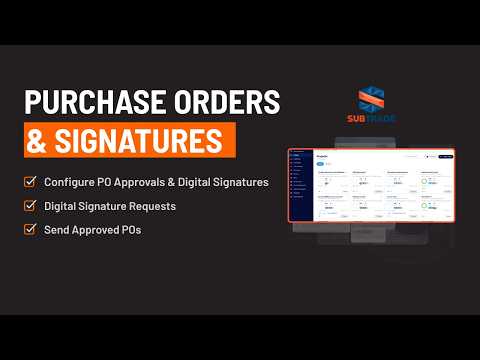 Tutorial
Purchase orders and approval
Create POs from the field and run them through approval.
 Tutorial
Auto-naming construction drawings
Upload a drawing set and let SubTrade name and organize the sheets.
 Tutorial · PDF guide
Crew scheduling
Book your crew for the week, repeat shifts and catch double-bookings.
 Tutorial
Scheduling workflow and drawings upload
Schedule crews and attach the right drawings to the right job.
 Tutorial
Custom notifications
Choose what your crew and office get notified about, and when.
 Tutorial
Manage time tracking and approvals
Run the full time tracking workflow from clock-in to approval.
 Tutorial
Create and submit a daily report
File a detailed daily report with weather, manpower and photos.
 Tutorial
Introducing Field Operations
A tour of the Field Operations dashboard: live crews, alerts and sites.