

Field management for trade subcontractors
Subcontractor software
built in the field
SubTrade is field management software for trade subcontractors: GPS time tracking, change orders, crew scheduling, daily logs and progress billing with holdback, $299/month CAD with 5 users included.
Free trial. $299/month CAD after, 5 users included. No demo call required.
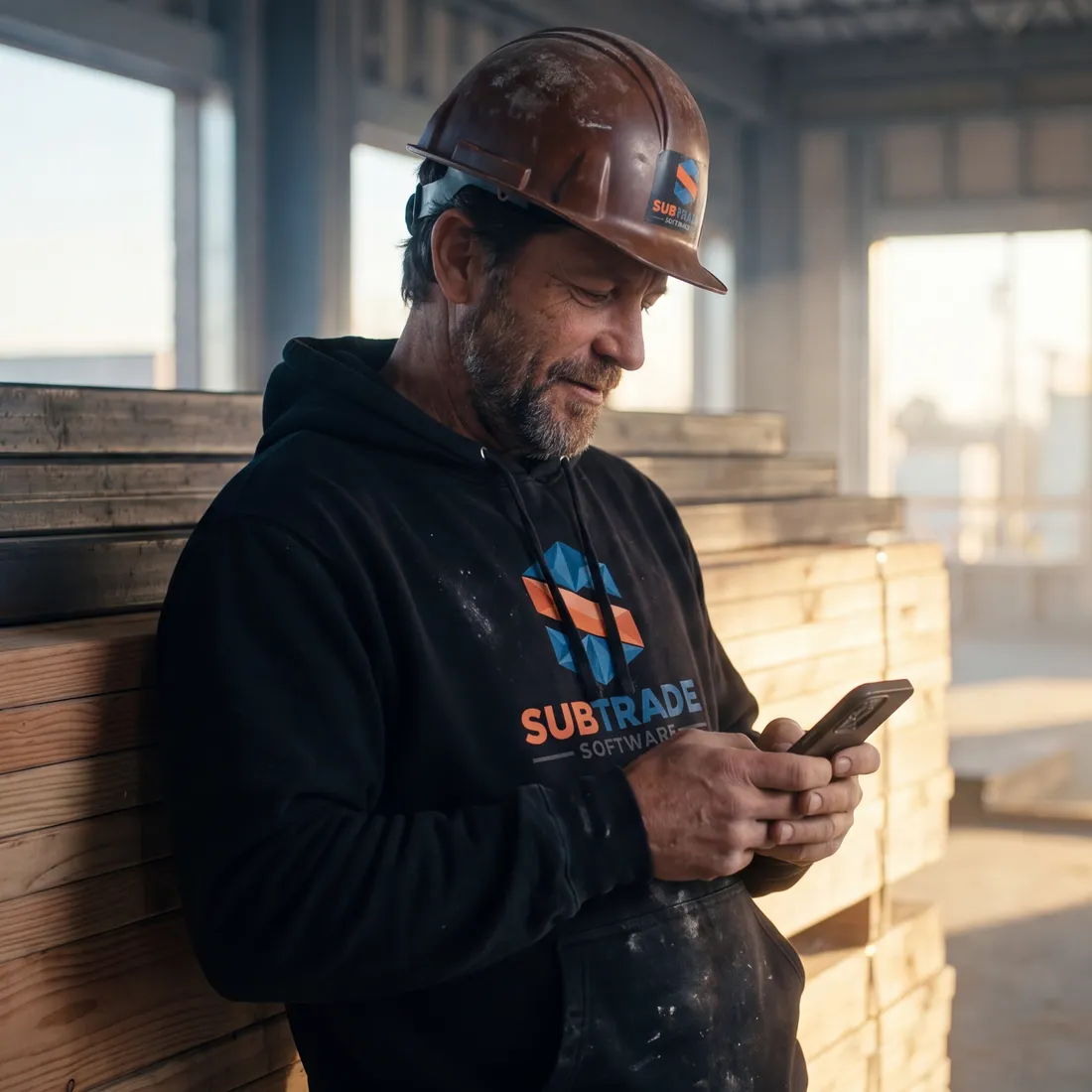
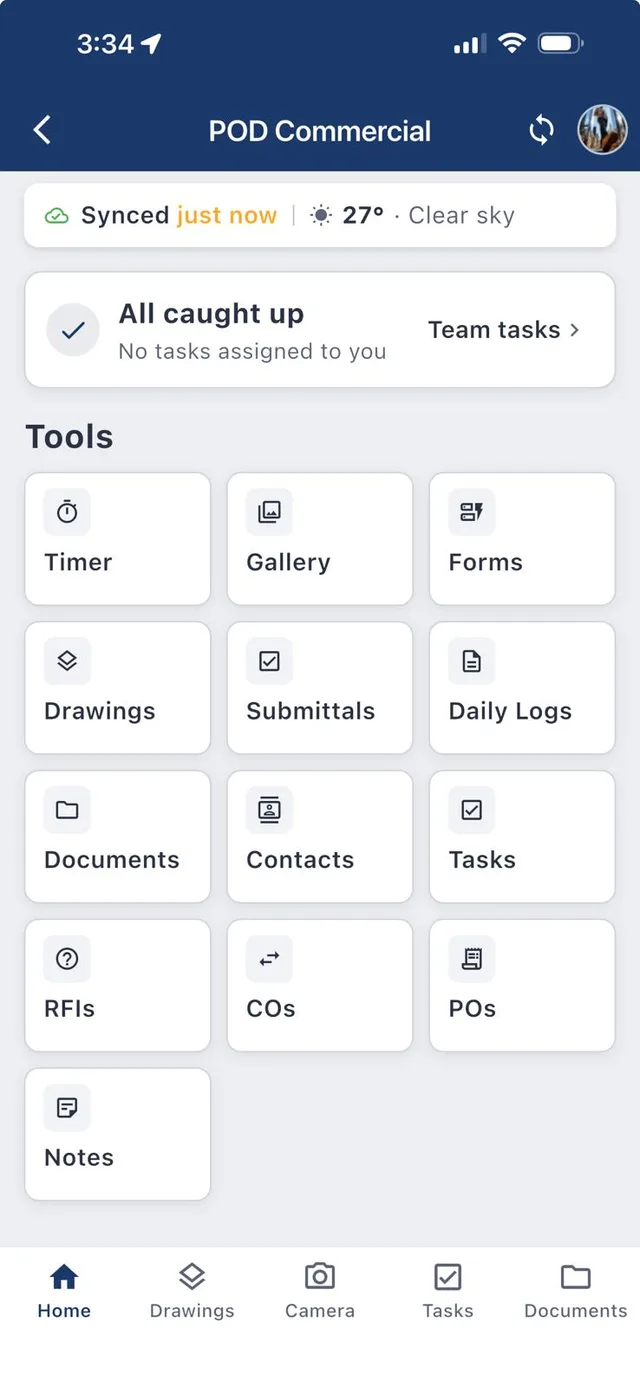
Inside the app
One app runs the whole job
Field data, live
Clock-ins, GPS photos and daily logs flow from crew phones to your dashboard as the day happens.
Extras captured, not eaten
Change orders priced and sent before the work is done, carried straight into billing.
Crews on rails
Drag-and-drop scheduling and punch lists that actually close, across every active site.
Compliance without the binder
FLHAs and custom forms signed on phones, filed by project, audit-ready always.
One day, one app
From the truck to the draw
Most construction software is built for the GC upstairs. SubTrade follows your crew through the day, and every step feeds the next. Still comparing tools? Start with our guide to choosing subcontractor management software.
- 6:52 AM
Crew clocks in
GPS clock-in from the truck. Hours land on the right job, so job costing is real from minute one.
- 9:15 AM
Site gets documented
GPS-tagged photos and a two-minute daily log. Timestamped proof, tied to the project.
- 11:40 AM
GC asks for an extra
The change order goes out from the phone before lunch, photos attached.
- 2:30 PM
Tomorrow gets booked
Crews move between jobs on the board and see where they are going before they leave.
- 4:45 PM
The draw builds itself
Percent complete rolls up from the day. Holdback handled.
From the field
Subs on SubTrade
Since bringing SubTrade on board, our company growth has taken off. Having every drawing, change order, and document in one centralized spot saves us hours of headache each week. The daily log feature is awesome, and we use the Tasks and deficiencies section constantly to keep every site moving. Highly recommend!
 TQC Windows & Doors Inc.Mississauga, Ontario
I chose SubTrade as it was a much more streamlined way of managing projects from a subcontractor perspective. Our previous software did not work well and was expensive. Initially in the set-up phase we had to iron out some kinks, however the team reacted quickly and handled each issue as it arose. They did an excellent job onboarding us and listening to our needs. 10/10 experience.
 Goose MechanicalCalgary, Alberta
The full set
17 tools. Every plan.
No feature tiers and no locked modules. Field, money and office, all on one screen. Claude Connect add-on coming soon.
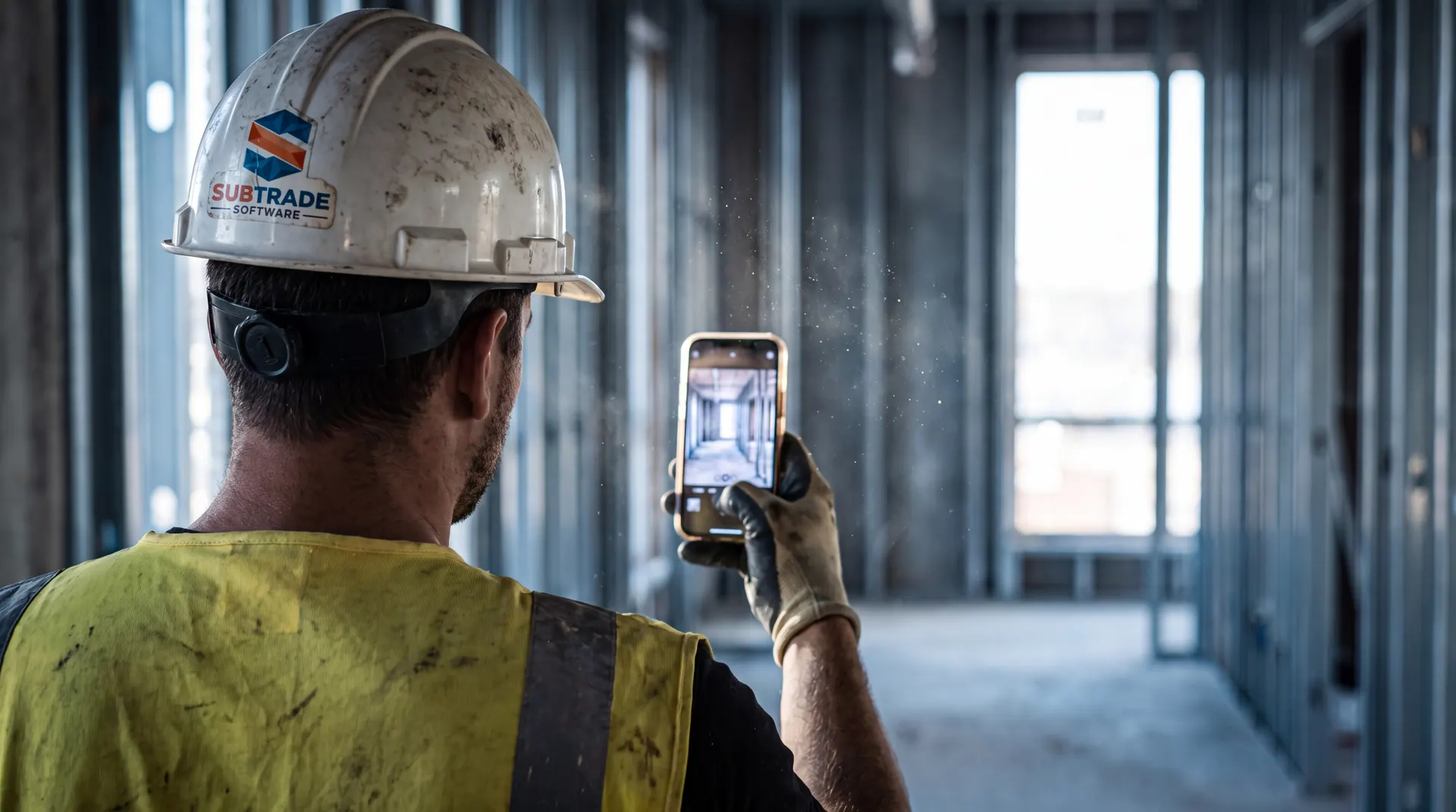
Field
5 tools- Time TrackingGPS clock-in with live job costing per project.
- Daily LogsTwo-minute site reports with weather and manpower.
- PhotosGPS-tagged and timestamped, organized by project.
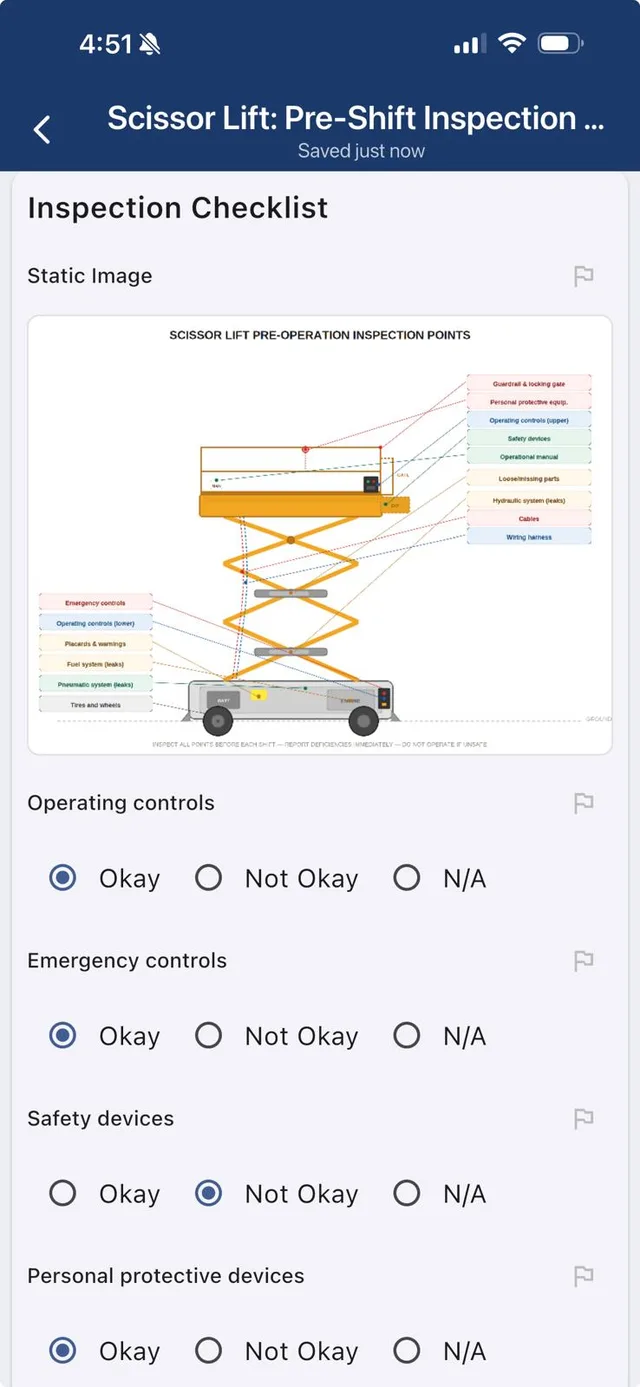
- Safety & Custom FormsFLHAs, toolbox talks and your own forms, signed on the phone.
- Asset ManagementTools, vehicles and equipment, tracked to the job they are on.
Money
5 tools- Bid ManagerEvery tender on one board, with proposals. Takeoff and estimating coming soon.
- Custom Proposal + E-SignatureBuild the proposal from blocks, attach your contract, get it signed online.
- Change OrdersPrice, send and track extras before the work is done.
- Purchase OrdersCommit costs against budgets and see burn instantly.
- Progress BillingDraws built from real field data, with holdback handled.
Office
7 tools- Live OverviewEverything happening on every site, as it happens.
- Crew SchedulingDrag crews between jobs, notify them automatically.
- Project ScheduleGantt chart per job, baseline slip and every job on one timeline.
- Tasks & Punch ListsKanban boards for deficiencies and closeout.
- Drawings & MarkupsCurrent set on every phone, marked up in the field.
- Submittals & RFIsTrack what is out, what is late and who is holding it.
- Project DashboardEvery job, its hours, costs and status on one screen.

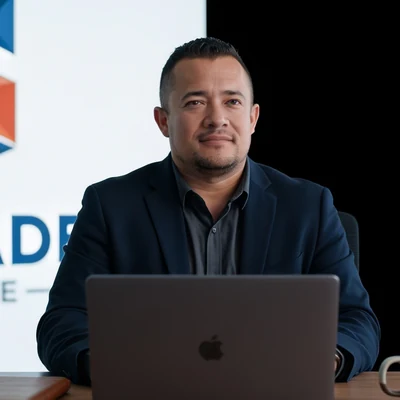
Built on jobsites, not in boardrooms
Made by a sub, for subs
SubTrade was built by Fabian V., who runs a commercial drywall company in Calgary, and co-founder Steban V., a senior software developer. Fabian brought the jobsites, Steban built the software, and every feature went on Fabian's own crews first. It is built around how a subcontractor actually gets paid: hours, extras, and progress claims with holdback.
Read the story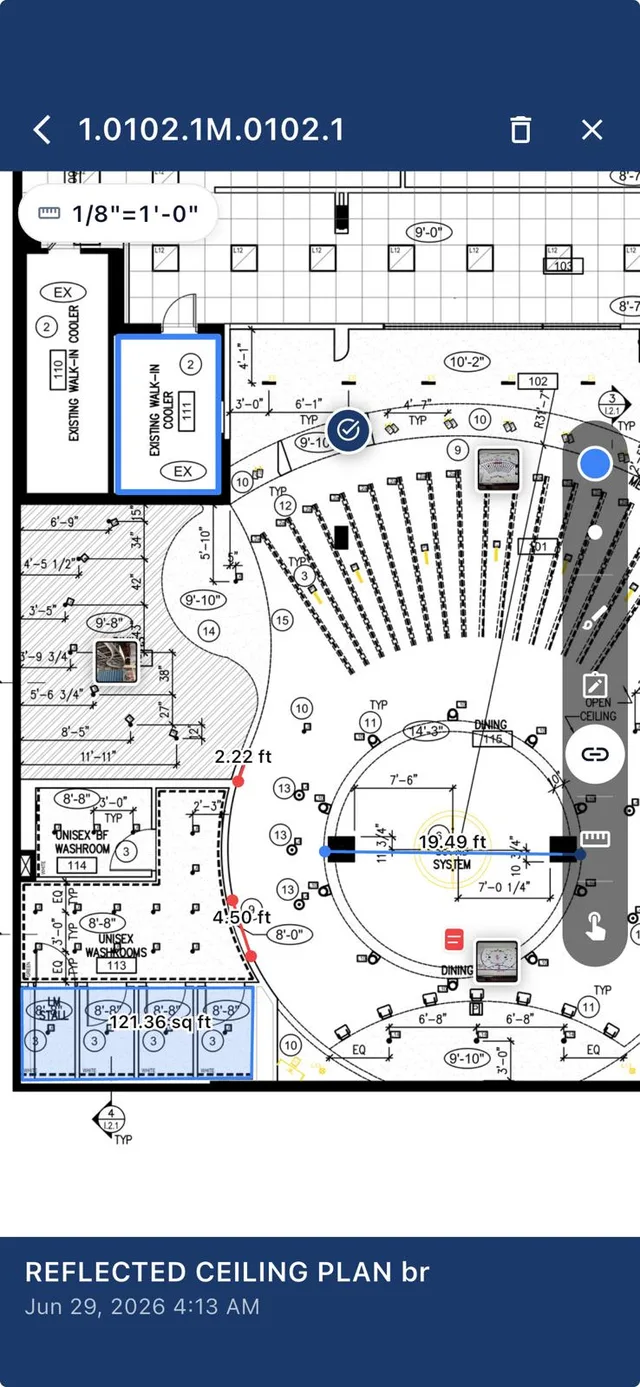
iOS & Android
The whole office,
in their pocket
Crews do not carry laptops. SubTrade lives on the phones already on your jobsite: clock in, snap photos, mark up drawings and file logs in a couple of taps.
No signal in the parkade? It works offline and syncs the moment the phone finds bars again.
Built for your trade
Software for the trade you run
Drywall
Software built by a working drywall contractor: track hours per unit, capture extras, schedule tapers and boarders, and bill progress draws.
Electrical
Field software for electrical subcontractors: time tracking by circuit of work, change orders, drawings on every phone, and progress billing.
HVAC
HVAC subcontractor software for mechanical trades: crew scheduling, equipment and material POs, change orders and progress billing in one app.
Plumbing
Field management software for plumbing subcontractors: GPS time tracking, change orders, inspections and scheduling across rough-in and finish.
Painting
Software for commercial painting subcontractors: crew scheduling, production tracking, touch-up punch lists and progress billing in one app.
Framing
Field software for framing and steel stud subcontractors: crew scheduling, layout drawings on site, hours by phase and change orders.
Concrete
Field software for concrete and formwork subcontractors: pour scheduling, crew management, extras captured, QC documentation and progress billing.
Your trade too
Glazing, roofing, insulation, mechanical and more. If you run crews on commercial sites, SubTrade fits. Try it on a real job.
Start free trial →One plan
$299 /month CAD
5 users included. Run your whole company for about $10 a day. Annual billing saves 20%.
- All 17 tools on every plan
- Extra users from $15 down to $4 each
- Web, iOS and Android, works offline
- 14-day free trial
- Claude Connect add-on coming soon, $120/year + tax
Questions subs actually ask
What is SubTrade and who is it built for?
SubTrade is all-in-one subcontractor software built exclusively for trade contractors, including electrical, plumbing, HVAC, drywall, painting, framing and more. It is engineered around how subs actually work: mobile-first time tracking, fast change orders, crew scheduling and real-time job costing.
How much does SubTrade cost?
The plan is $299/month CAD with 5 users included, or save 20% with annual billing at $2,870/yr. Additional users are tiered from $15 down to $4 each. Every plan includes the full platform, with a 14-day free trial.
How quickly can my crew get set up?
Most subcontractors are fully set up with crews clocking in within one business day. No IT team, no lengthy onboarding: your field crew starts on their phones the same day you sign up.
Does SubTrade work on phones in the field?
Yes. SubTrade is fully mobile on iOS and Android, built for jobsite reality: GPS clock-in, daily logs with photos, and change orders created and sent from a phone.
Can SubTrade replace my spreadsheets and paper timesheets?
That is exactly what it is designed to do. GPS-verified time tracking replaces paper timesheets, live dashboards replace status spreadsheets, and scheduling, logs and change orders all live in one place.
Watch it work
Two minutes each. See the app before you sign up.
Time tracking, scheduling, projects and forms, walked through by the SubTrade team. Every video comes with a PDF guide.
 PDF guide
Employee time sheets workflow
Review, correct and approve crew hours without the Friday detective work.
 PDF guide
Crew scheduling
Book your crew for the week, repeat shifts and catch double-bookings.
 PDF guide
Project dashboard and templates
Run every job from one screen and start each new one from a template.
 Part 1 of 4 · PDF guide
Forms, Part 1: The forms dashboard
Every form, folder and submission in one place. Start of the 4-part forms series.
Run your next job on it
Set up takes an afternoon. Your foreman will get it by coffee break.
Start free trial