

Choosing software
What sub-trades actually need from software
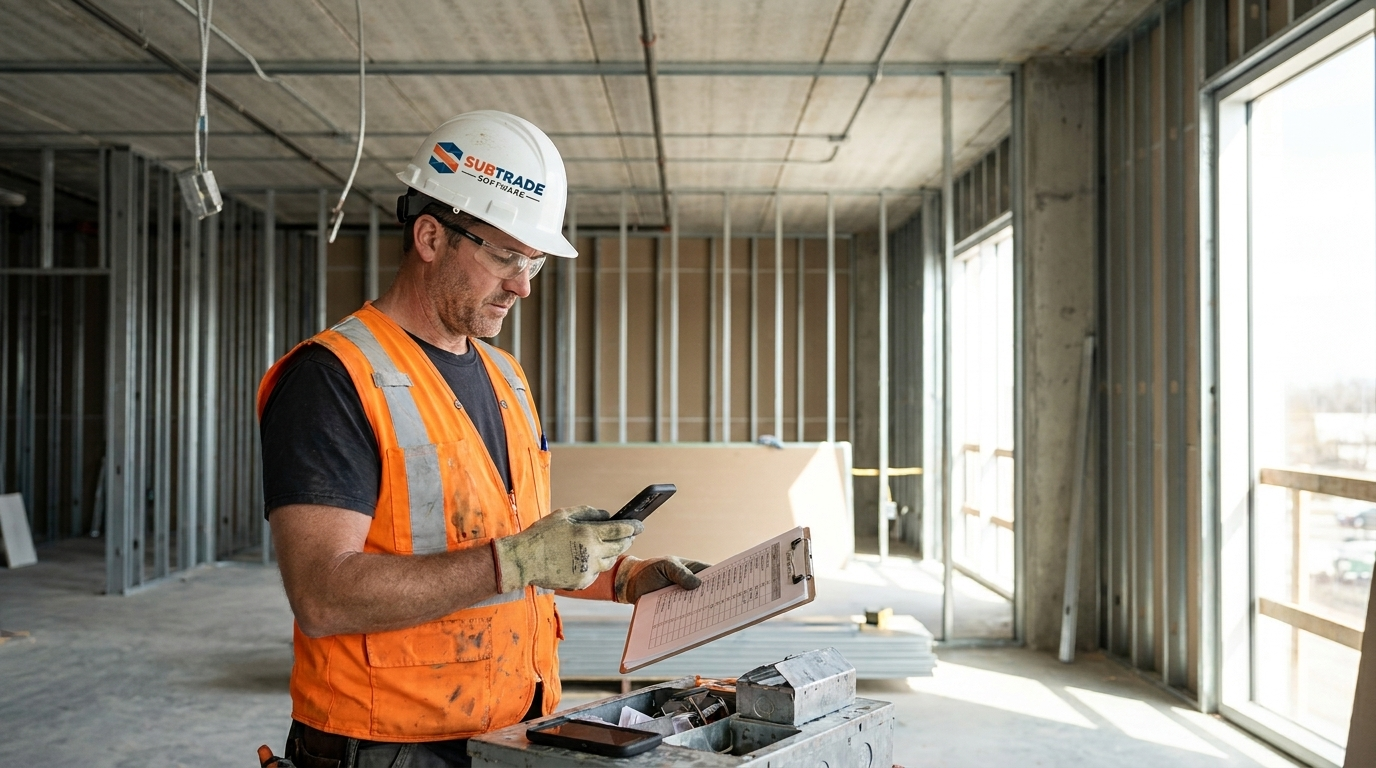
Most software gets picked from a feature grid — the vendor with the most checkmarks wins. That's exactly backwards for a sub-trade. A drywall, electrical, or mechanical contractor doesn't lose money because a platform was missing a feature. It loses money because the three things that decide the margin — field labour, extras, and the invoice — never made it out of a foreman's head and onto paper in time.
So this isn't a feature list. It's the short list of jobs the software has to do well, in the order they matter, plus the test to run before you hand over a purchase order. We built SubTrade inside Quality Gypsum Services, a commercial drywall contractor in Calgary, Alberta, after years of buying tools that demoed well and got abandoned in the field by week three. This is the checklist we wish we'd had.
Start with the field, not the office
The single most common mistake is scoring software on what the office wants to see, because the office is the one sitting in the demo. But an office report is only as good as the field data underneath it, and the field is where adoption lives or dies.
The rule we use now: if a foreman needs more than two minutes to do a thing, it won't get done consistently. Not because foremen are difficult — because they're hanging board or pulling wire, and the phone is the interruption. Any tool you're evaluating should be scored first on how little it asks of the person on site.
The seven things that actually matter
1. Capture labour from the field, coded to the job
This is the foundation, and everything downstream depends on it. Not a timesheet retyped Monday morning from a crumpled note — a clock-in on a phone, tied to the right job and the right cost code, confirmed by the foreman. If labour capture is clean, job costing is free. If it's messy, every report built on top of it is fiction. Crew-level time tracking is the spine, not a bolt-on.
2. Turn hours into job cost with nobody rekeying
Hours × rate × cost code should roll into a live job-cost view automatically. The whole point is to know your installed cost per square foot by Thursday, not three weeks after the job closed. If a tool needs an export to Excel to answer "am I making money on this job right now," it has failed the only question that matters.
3. Make change orders unavoidable
Most subs lose more money to unsigned extras than to bad estimating. The direction gets given verbally on a Tuesday, the crew does the work, and six weeks later nobody can prove who asked for it. Software should force the opposite: every extra logged the day it happens, with a dated photo and the name of whoever directed it, priced from your own labour rates, and tracked until it's signed. A real change order management workflow built from the sub's side is worth more than any Gantt chart.
4. Give the field a two-minute daily log
Headcount, what got done, delays, photos. This is your defence when a schedule slips and everyone's looking for someone to blame. If the daily log takes longer than a smoke break, it won't get filled in, and the one day you needed it will be the day it's blank. Photos matter here too — a time-stamped site photo has settled more back-charge disputes than any email thread.
5. Bill progress and track holdback, not owner draws
Subs bill against a schedule of values, get back-charged, and wait on holdback release. That's a different animal from a GC's owner draw. Your software should produce a proper progress invoice with the backup attached and know that 10% is sitting in holdback until release. Progress billing built for a sub, plus a way to model what's owed — our free holdback calculator does the provincial math — keeps the cash-flow picture honest.
6. Estimate from your own history
The units that decide a sub's bid are trade-specific: board hung per man-hour, devices per unit, fixtures per floor. A generic platform that only understands "square feet" understands none of them. The best estimating tool is your own completed-job production rates, fed back into the next bid. That's why estimating lives inside the trade tools — drywall, electrical, framing — rather than in a one-size database.
7. Priced for a field-heavy team
A sub might have twelve people in the field and two in the office. Per-seat pricing that charges full freight for a foreman who does exactly three things — clock the crew, log the day, take photos — turns a reasonable tool into an unreasonable invoice, and the usual result is that nobody buys enough licenses and half the crew stays on paper. Look hard at how a vendor charges for field users before anything else. SubTrade is $299/month CAD with a 14-day free trial, deliberately flat so you can put the whole crew on it.
Score it, don't feel it
Demos are theatre. A number is harder to fool. Rate any tool one to five on each of the seven, and weight the first three double — they're where the money is.
| What it has to do | Weight | Why it's weighted that way |
|---|---|---|
| Field labour capture | ×2 | Everything downstream is built on it |
| Automatic job cost | ×2 | The one question that decides the job |
| Change-order paper trail | ×2 | Where most subs quietly lose margin |
| Two-minute daily log | ×1 | Adoption and dispute defence |
| Sub-side progress billing | ×1 | Getting paid on time |
| Estimating from your rates | ×1 | Winning the next bid |
| Field-friendly pricing | ×1 | Whether the crew actually gets on it |
Anything under about 30 out of 45 will get abandoned in the field, no matter how good the office dashboard looks.
The honest test before you sign
Take your worst job from the last two years — the one that went sideways — and ask the vendor to show you, inside their software, exactly how you'd have caught it earlier. Where would the labour overrun have shown up? Where would the unsigned extra have been flagged?
If the answer involves an export, a custom report, or "you'd configure that in the admin panel," keep looking. And run the test soon: Statistics Canada's construction data shows how much non-residential volume swings quarter to quarter, and the shops that get squeezed in a soft stretch are almost always the ones who couldn't see their labour costs until the job was already over.
If you're still deciding between a GC-style platform and a sub-built one, we wrote a longer breakdown of subcontractor vs. general contractor software that goes deeper on why the two categories keep getting confused.
FAQ
What should a sub-trade look for in software first?
Field labour capture. It's the foundation everything else — job costing, billing, estimating — is built on. If the field data going in is messy, every report coming out is fiction, so evaluate that before any dashboard.
Do subcontractors really need different software from general contractors?
Usually, yes. GC platforms organize around the project and managing other people's work; a sub's tool has to organize around the crew and the cost code, because that's where a sub's margin is actually made or lost.
How do I stop losing money on unsigned change orders?
Log every extra the day it happens, with a dated photo and the name of whoever gave the direction, priced from your own rates, and track it until it's signed. The problem is almost never the pricing — it's the missing paper trail.
Why does field-friendly pricing matter so much?
Because a sub is field-heavy. Per-seat pricing that charges full price for foremen who do three simple things pushes shops to under-buy licenses, and half the crew ends up back on paper — which quietly kills the whole system.
What's the fastest way to test a tool honestly?
Bring your worst recent job to the demo and ask the vendor to show you where their software would have caught it earlier. If the answer is an export or a custom report, it wasn't built for your seat.
How much should this cost?
Expect a flat monthly subscription rather than per-project fees. SubTrade runs $299/month CAD with a 14-day free trial. Watch per-seat pricing closely if your field crew is large — the math turns ugly fast.
SubTrade runs time tracking, change orders, daily logs and progress billing on one plan. 14-day trial.