๐Ÿงฑ BUILT FOR DRYWALL SUBS

Drywall Contractor Software

Built exclusively for drywall contractors โ€” from solo hangers to 50+ board shops. Track every hour, every board hung, every bucket of mud, and every punchlist item from one platform. Your crews clock in from the field. Your PMs see labor burn in real time. Your back office invoices in minutes.

GPS
Field-tracked clock-in
SQ FT
Tracked per crew
1,500+
Drywall jobs run
SubTrade Field Operations dashboard for drywall contractors showing live alerts and worker site map
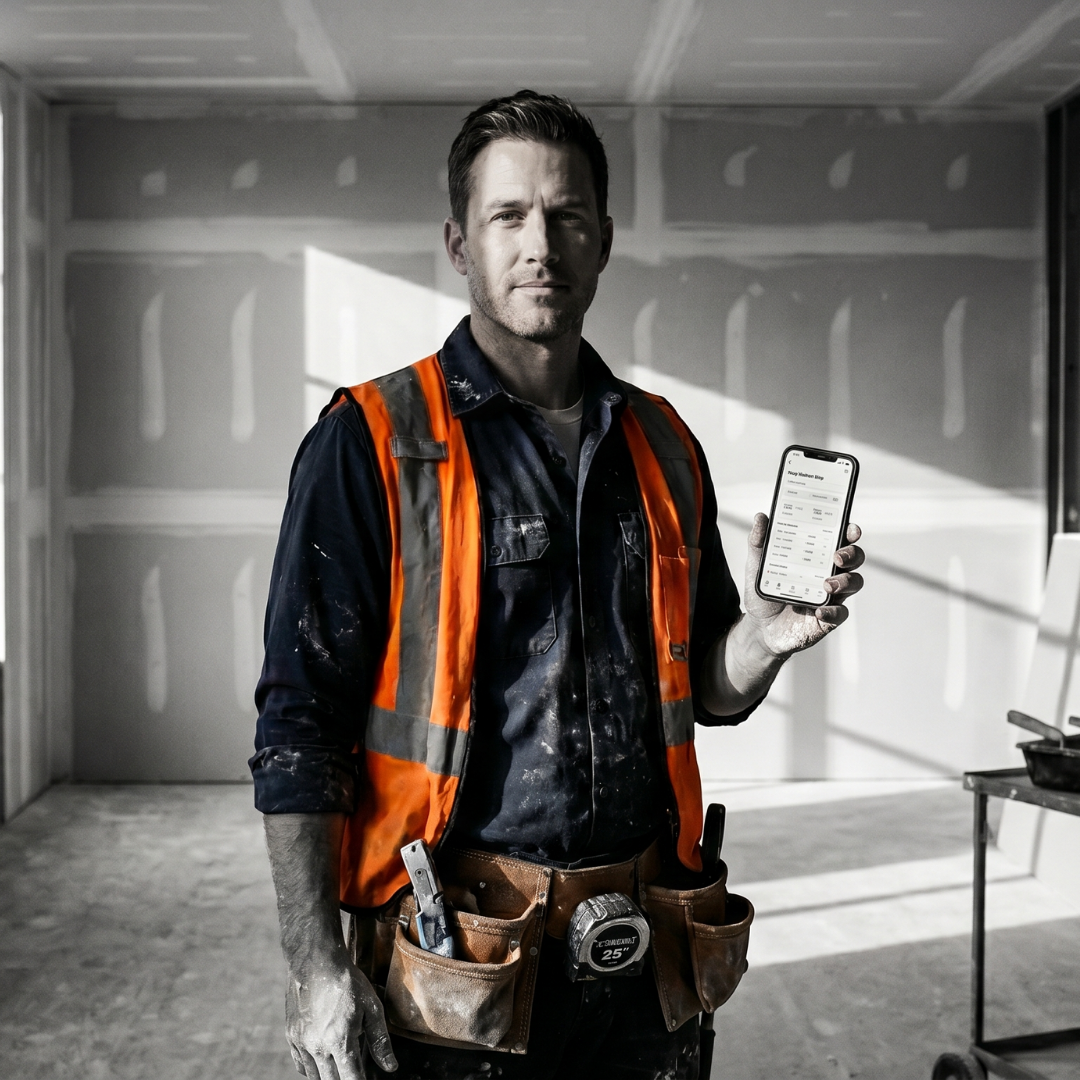
Drywall contractor in orange safety vest holding the SubTrade mobile app inside a taped and ready-to-finish interior
๐Ÿงฑ Built for the Field

From the Jobsite to the Office, One System

What your hangers, tapers, and finishers do in the field shows up in the office in real time. No lost paperwork. No phone tag. No chasing signatures 30 days later. Hang, finish, and punchlist crews all work from the same system โ€” on their phone or tablet.

  • โœ“ Board counts & sq ft logged per room
  • โœ“ Hang, tape & finish checklists
  • โœ“ Digital sign-off from foremen & PMs
  • โœ“ Level 1โ€“5 finish tracking per wall
๐Ÿ–ฅ๏ธ Real-Time Field Visibility

See Every Drywall Job from One Dashboard

Hang, tape, finish, texture, tenant improvements, new construction โ€” see whatโ€™s live on every job from one screen. Labor hours roll in as your crew clocks in. Change orders get flagged the moment they happen in the field.

  • โœ“ Live labor hours on every active drywall project
  • โœ“ Change orders flagged before the next board is hung
  • โœ“ Punchlist tracked per room & finish level
  • โœ“ Job margin visible before you invoice
See the project dashboard โ†’
SubTrade project overview showing financial performance, margin, schedule and weather for a subcontractor job
๐Ÿ“ฑ Built for the Field

Your Crews Clock In & Capture Change Orders All from Their Phones

Hangers and finishers shouldnโ€™t need to learn office software. SubTradeโ€™s mobile app is built for the field โ€” one-tap GPS clock-in, change-order capture with photos, board & mud requests, and daily safety forms. Works on any phone. Works offline when job-site wifi drops.

  • โœ“ One-tap GPS clock-in from any job site
  • โœ“ Capture change orders with photos on the spot
  • โœ“ Request board, mud & tape directly from the field
  • โœ“ Daily safety forms (dust control, silica, fall protection) built in
  • โœ“ Works offline on spotty job-site wifi
See how time tracking works โ†’
SubTrade mobile app for field crews showing working projects, available projects and jobsite locations on iPhone
๐Ÿ’ต Stop Unbilled Hours

Every Hour Captured. Every Minute Billable.

Drywall contractors lose more money to unbilled labor than almost any other trade. A hanger forgets to clock in. A finisherโ€™s lunch break runs long. Hours get entered wrong a week later. SubTradeโ€™s time tracking captures every minute โ€” GPS-stamped, job-coded, and ready for payroll, whether you run hourly or piece-rate.

  • โœ“ GPS clock-in verified to the job site
  • โœ“ Auto break rules per state labor law
  • โœ“ Hourly, piece-rate & overtime split automatically
  • โœ“ Export to QuickBooks, Sage, and Xero
Learn about time tracking โ†’
SubTrade Time Tracking overview with gross hours, break time, payable hours and payroll totals for subcontractors
๐Ÿ“… Smart Crew Scheduling

Schedule Crews Without Double-Booking

Drag and drop hangers, tapers, and finishers onto the week. See whoโ€™s over-booked, whoโ€™s idle, and whoโ€™s available for the next floor, building, or phase. Assignments sync instantly to the mobile app โ€” your crew shows up at the right site with the right scope without a single phone call.

  • โœ“ Drag-and-drop weekly crew assignments
  • โœ“ Instant push to the mobile app
  • โœ“ Skill & finish-level tracking per worker
  • โœ“ Overtime forecast before it hits payroll
See crew scheduling โ†’
SubTrade weekly scheduling board for trade contractors assigning crews to projects

Common Questions from Drywall Subs

๐Ÿงฑ

Does SubTrade handle board counts and takeoffs?

SubTrade doesnโ€™t replace your takeoff software (like PlanSwift or On-Screen Takeoff), but we track the scope, hours, board counts, and mud usage for every room so you invoice accurately.

๐Ÿ“‹

Can it track punchlist items per room?

Yes. Every project has a punchlist tab per room with status, walk-through dates, and deadline alerts so you never miss a Level 5 finish handoff or paint-ready sign-off.

๐Ÿ’ก

Does it work for service calls and small patches?

Yes. Quick-create a patch or repair ticket from the mobile app, clock time against it, attach before/after photos, and invoice the same day.

๐Ÿ‘ท

Can hangers and finishers both use it?

Yes. Role-based permissions: hangers and finishers clock in and upload photos, foremen approve hours and submit change orders, owners see everything.

๐Ÿ“ท

Can we capture change orders with photos from the field?

Yes. Snap a photo, add a note, attach a cost estimate, and submit โ€” the office sees the change instantly with GPS location.

๐Ÿ’ต

How much does SubTrade cost?

Free trial, no credit card required. Standard pricing starts at $299/month plus tiered per-user rates. See pricing โ†’

Ready to Stop Losing Money on the Job?

Start your free trial โ€” no credit card required. Get your first electrical job running in SubTrade in under 15 minutes.