
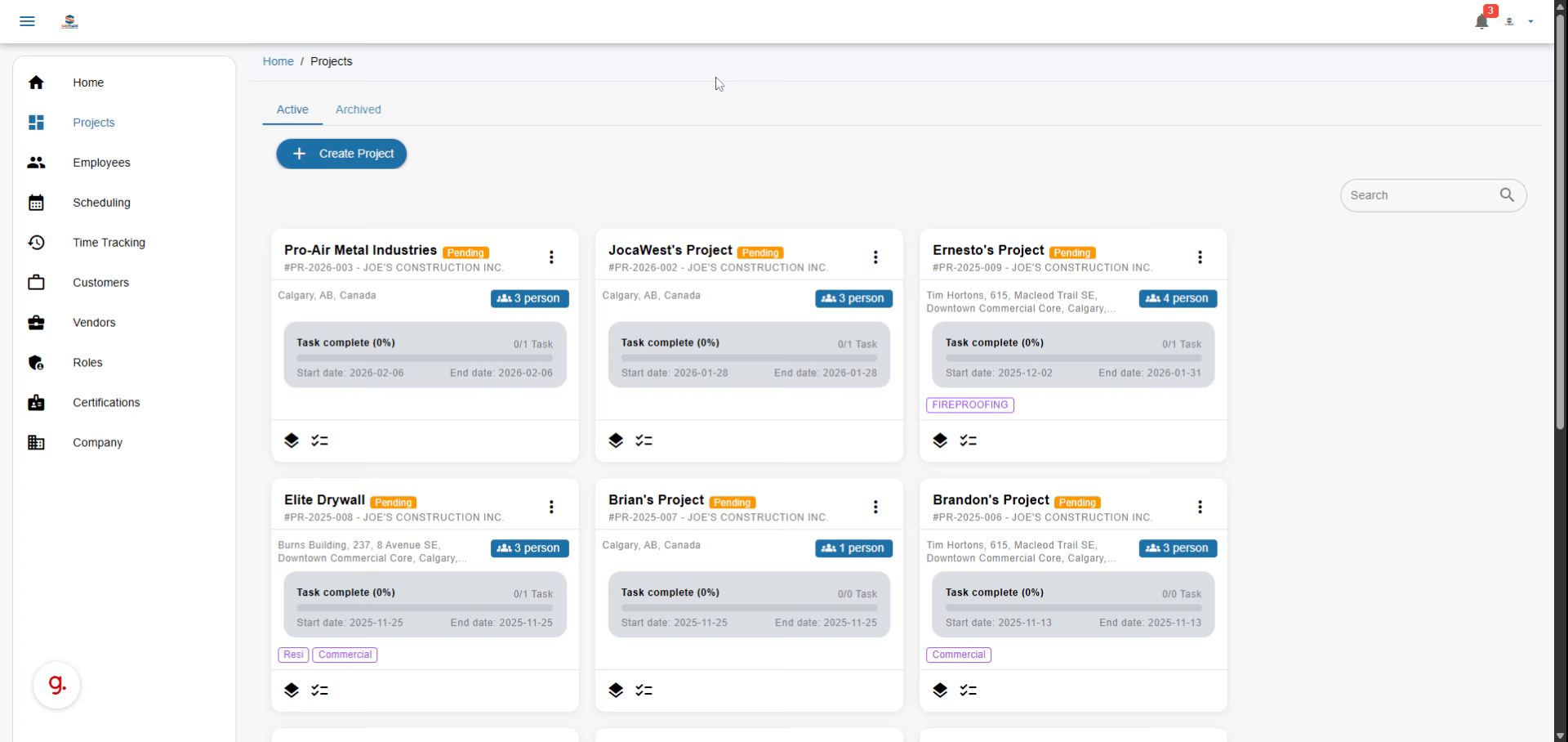
This comprehensive guide demonstrates how to efficiently approve your employees’ Employee Time Sheets using Subtrade software, focusing on enhancing workflow efficiency.
Go to portal.subtradesoftware.com
01
Introduction
Best Practices for Efficient Time Tracking
Utilize automated time tracking tools, regularly review time entries, and provide training to employees to ensure they’re comfortable with the system. This can enhance the accuracy of recorded hours and streamline the approval process.
Common Challenges in Time Tracking
Implementing time tracking can come with challenges, such as employee resistance, inaccuracies in manual entries, and integration issues with other software. Addressing these challenges proactively can lead to a smoother implementation.
Importance of Time Tracking
Time tracking is essential for project management, as it provides insights into employee productivity, helps identify bottlenecks, and facilitates accurate payroll management.
In this guide, you’ll learn how to navigate pending approvals, finalize time entries, and implement effective time tracking strategies to keep your projects on track and improve overall productivity.
Video content
02
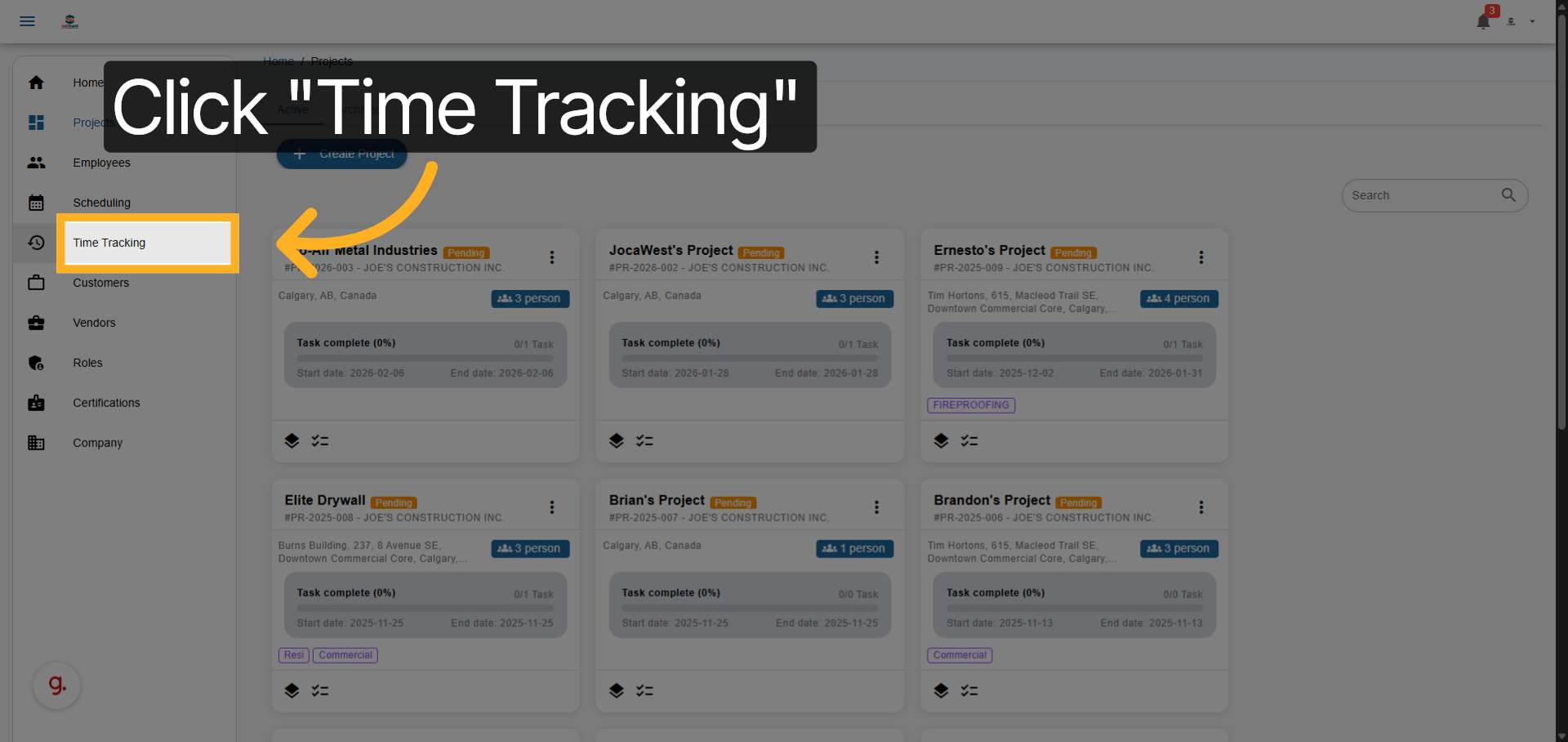
Navigate to Time Tracking
Access the Time Tracking section to begin reviewing employee time sheets, ensuring that all entries are correctly logged and aligned with project objectives.
In this stage, it’s important to communicate with team members to clarify any discrepancies in their time entries, fostering a transparent and collaborative work environment.
03
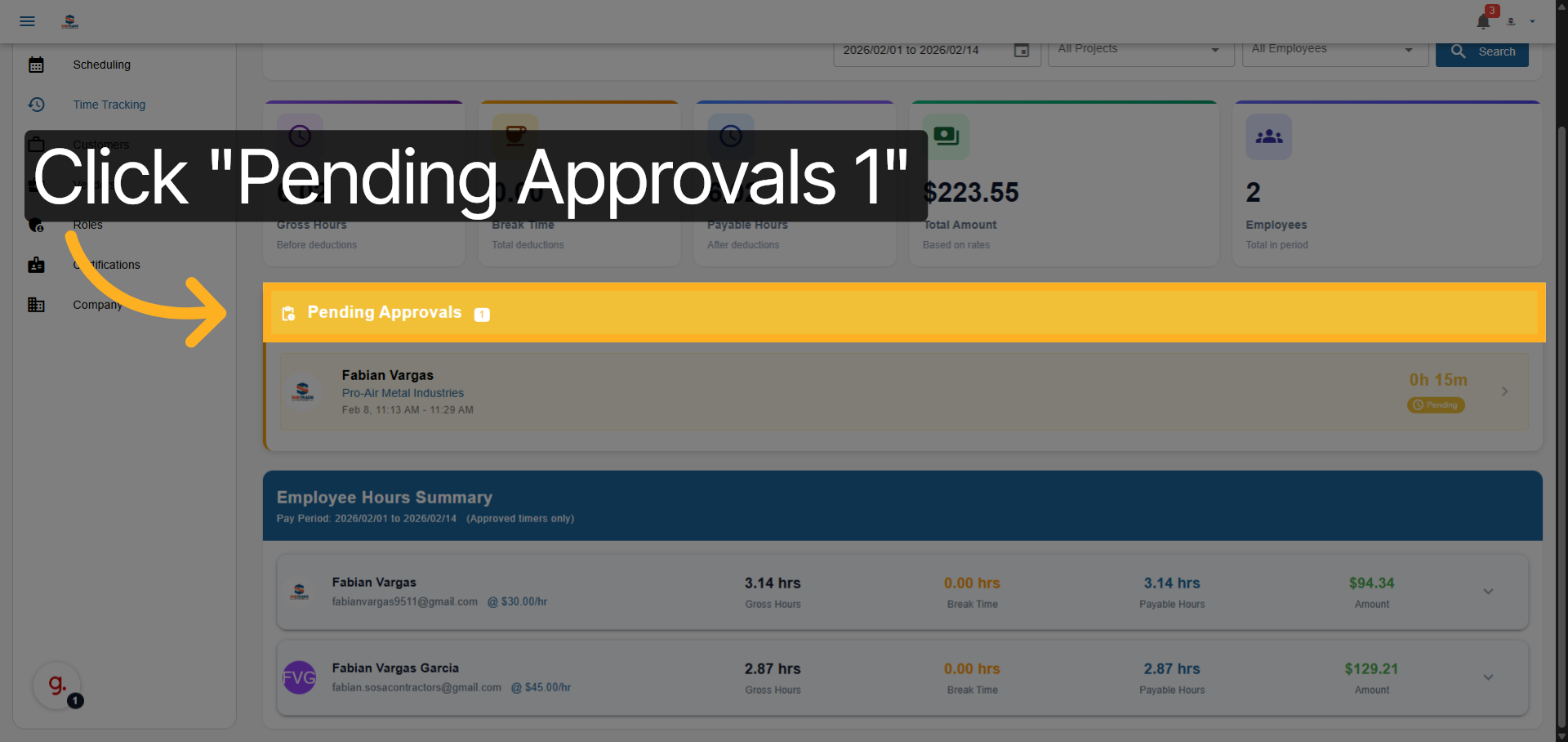
Open Pending Approvals
Go to the Pending Approvals area where all unapproved time entries are listed, allowing you to effectively manage and approve time sheets within the required timeframe.
04
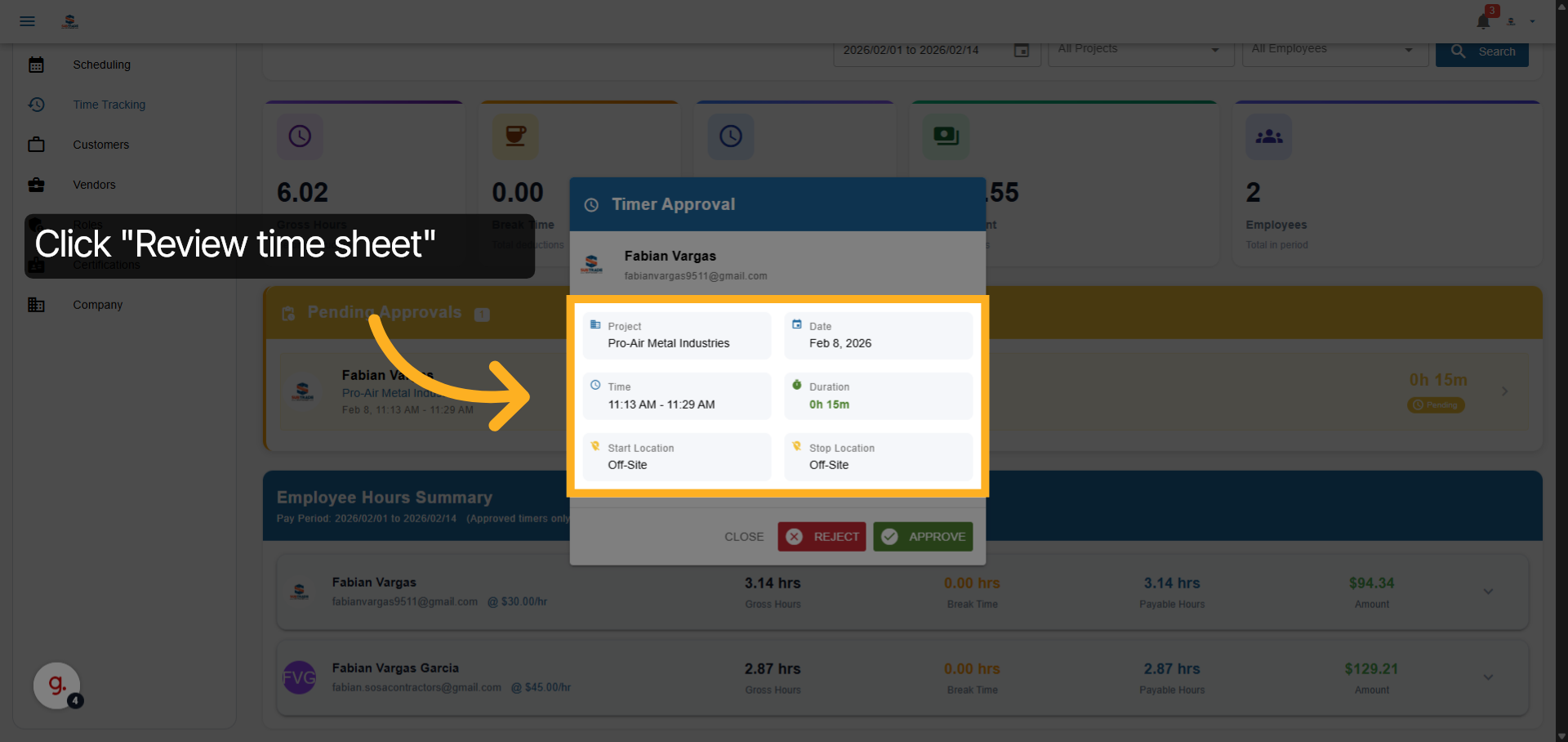
Review Time Entry Details
Consider implementing a review system where team leads can provide feedback on time entries, helping to identify patterns and improve individual accountability.
Consider adding a checkbox for entries requiring additional review, which can help prioritize approvals and maintain consistency across project timelines.
Examine the time entry details including date, time, duration, and locations to ensure accuracy, which is crucial for maintaining project budgets and timelines.
05
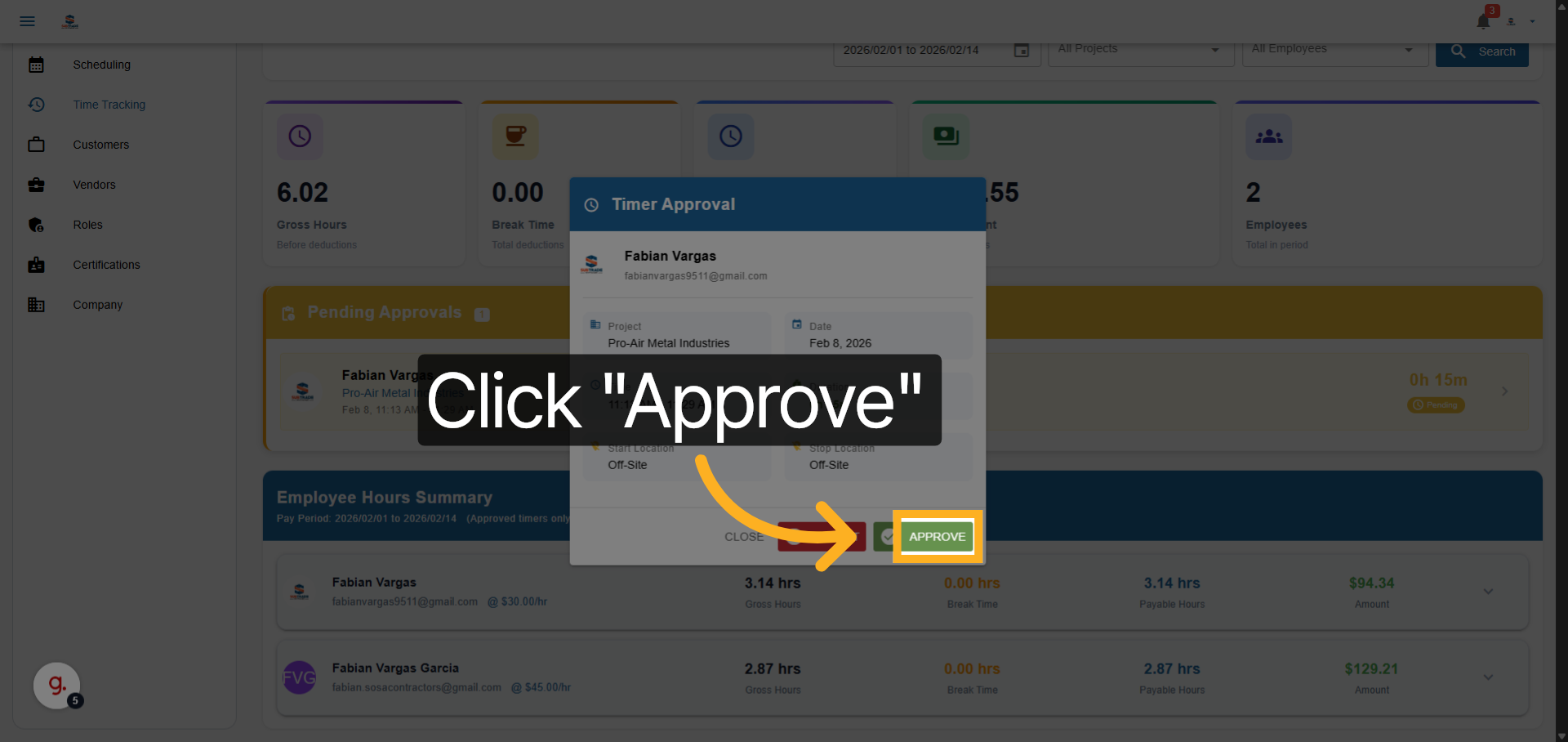
Initiate Approval Process
Click the Approve button to start approving the selected time entry. Streamlining this process ensures that payroll runs smoothly and on time.
06
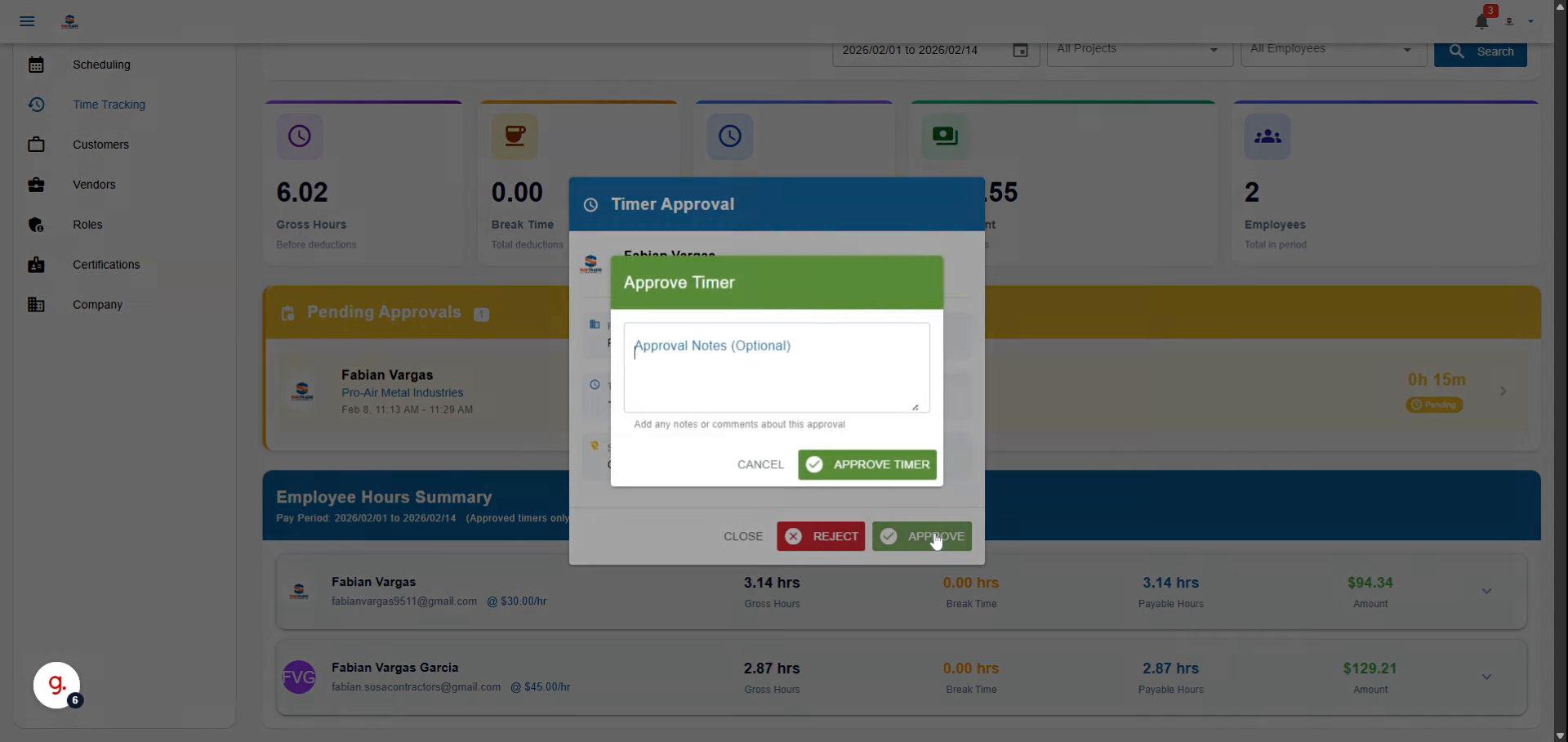
Add Approval Comment
Enter a comment confirming the time entry is accurate and ready for approval.
Video content
07
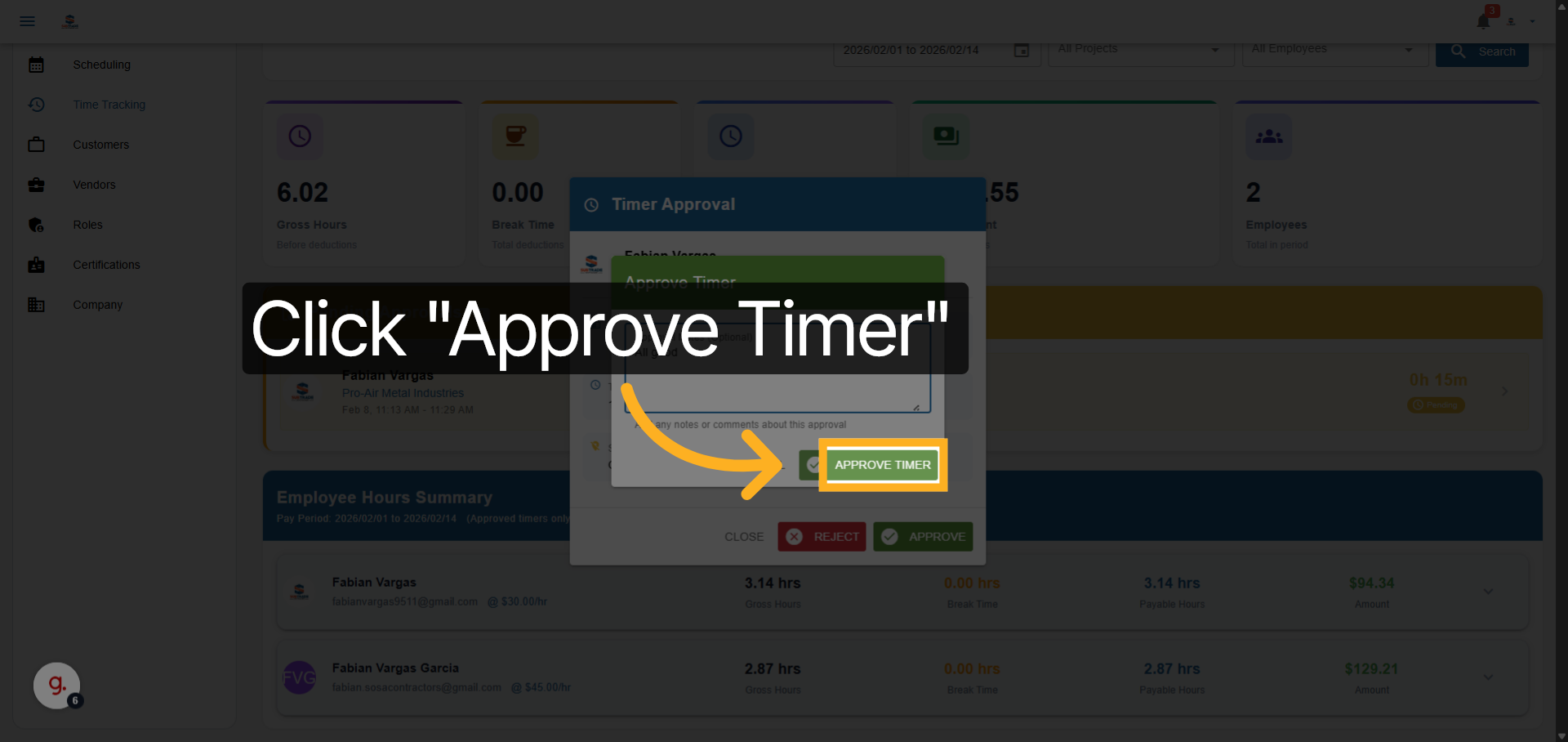
Confirm Time Sheet Approval
Click Approve Timer to finalize the approval and update the time sheet status. Regularly reviewing and refining this process can lead to even greater efficiency in managing Employee Time Sheets.
You have successfully approved your employees’ time sheets by navigating through pending approvals, reviewing detailed entries, and confirming accuracy. This process is essential for maintaining accurate project tracking and payroll management, thus supporting the overall success of your business.