
Discover the step-by-step process for efficiently uploading construction drawings in Subtrade, and explore the innovative Auto-Naming Construction Drawings feature that can significantly reduce the time spent on manual tasks. This comprehensive guide will cover everything from project selection to the final review of your organized files, ensuring you have all the information you need to maximize productivity.
1. Introduction
You’ll see how this tool automates renaming to save time and reduce errors.
In the age of digital project management, having the right tools is essential. With Subtrade, you can leverage the Auto-Naming Construction Drawings feature to automate renaming processes, saving valuable time and minimizing errors that commonly occur with manual entry. This automated system ensures consistency across your project documentation, which is critical for successful project execution.
Understanding the Benefits of Auto-Naming Construction Drawings
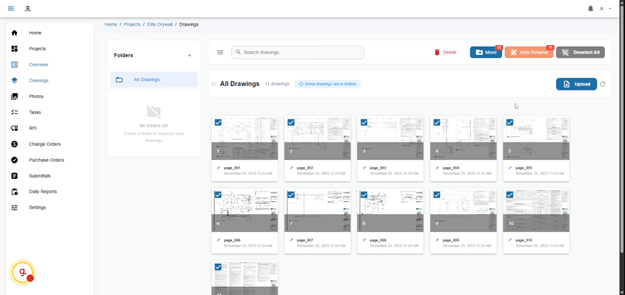
2. Navigate To Drawings Section
Navigate to the Drawings section where you manage your project files and prepare for renaming.
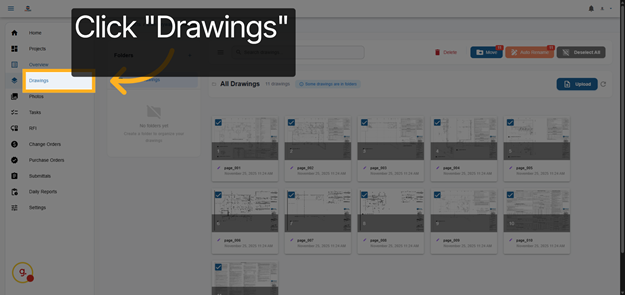
3. Select All Drawings
Select all drawings to apply the Auto Rename feature across your entire set for consistent naming.
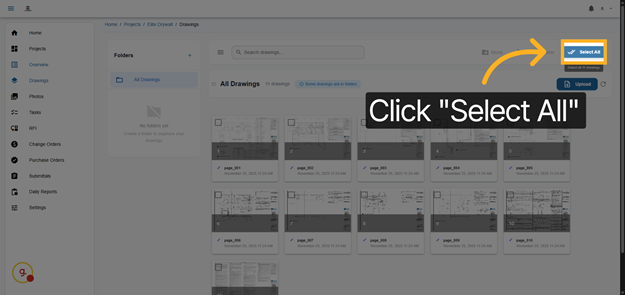
4. Open Auto Rename Feature
Open the Auto Rename feature to begin configuring how your drawings will be renamed automatically.
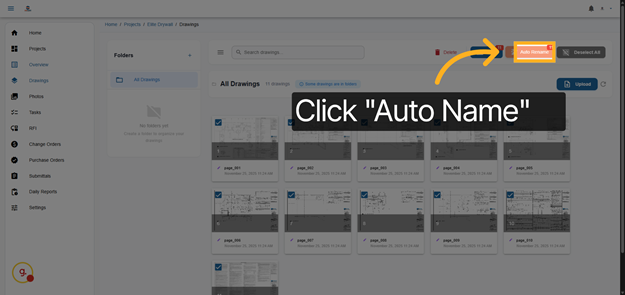
5. Access Selection Options
Access the selection options to customize which naming elements will be included in the renaming process.
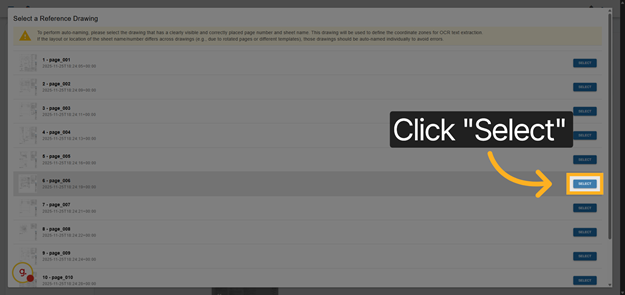
6. Continue Setup
Drag the Sheet name and sheet number to the corresponding areas
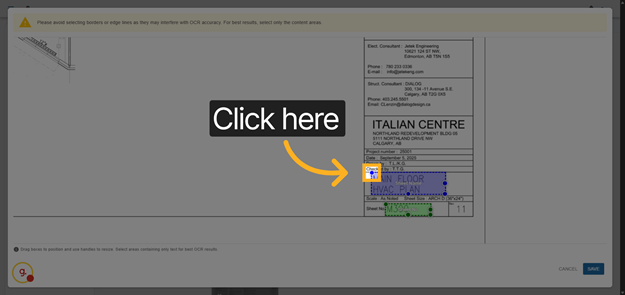
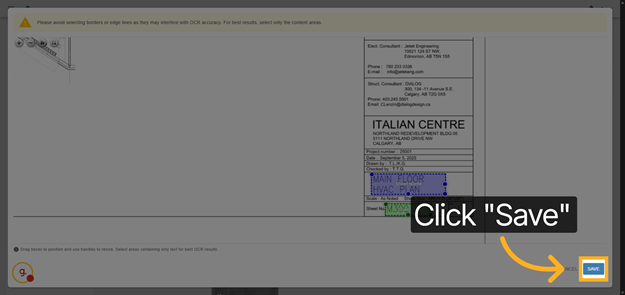
7. Save Auto Rename Settings
Save the Auto Rename settings to apply your customized naming convention to the drawings.
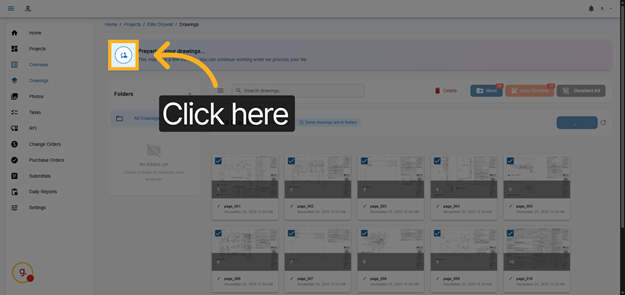
8. Prepare For Confirmation
Wait a few minutes while we read all your drawings.
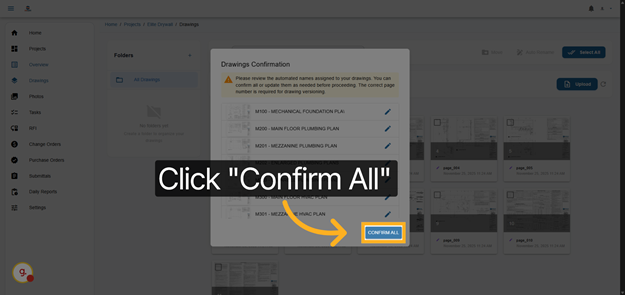
9. Confirm All Renaming Actions
Confirm all renaming actions to finalize the process and update your drawings with the new names.
This demo illustrated how to use the Auto Rename feature in Subtrade software to automate and standardize drawing names. You can now streamline your project organization and reduce manual errors by applying this efficient tool.
Follow us for more tips & updates: Instagram: SubTrade_software