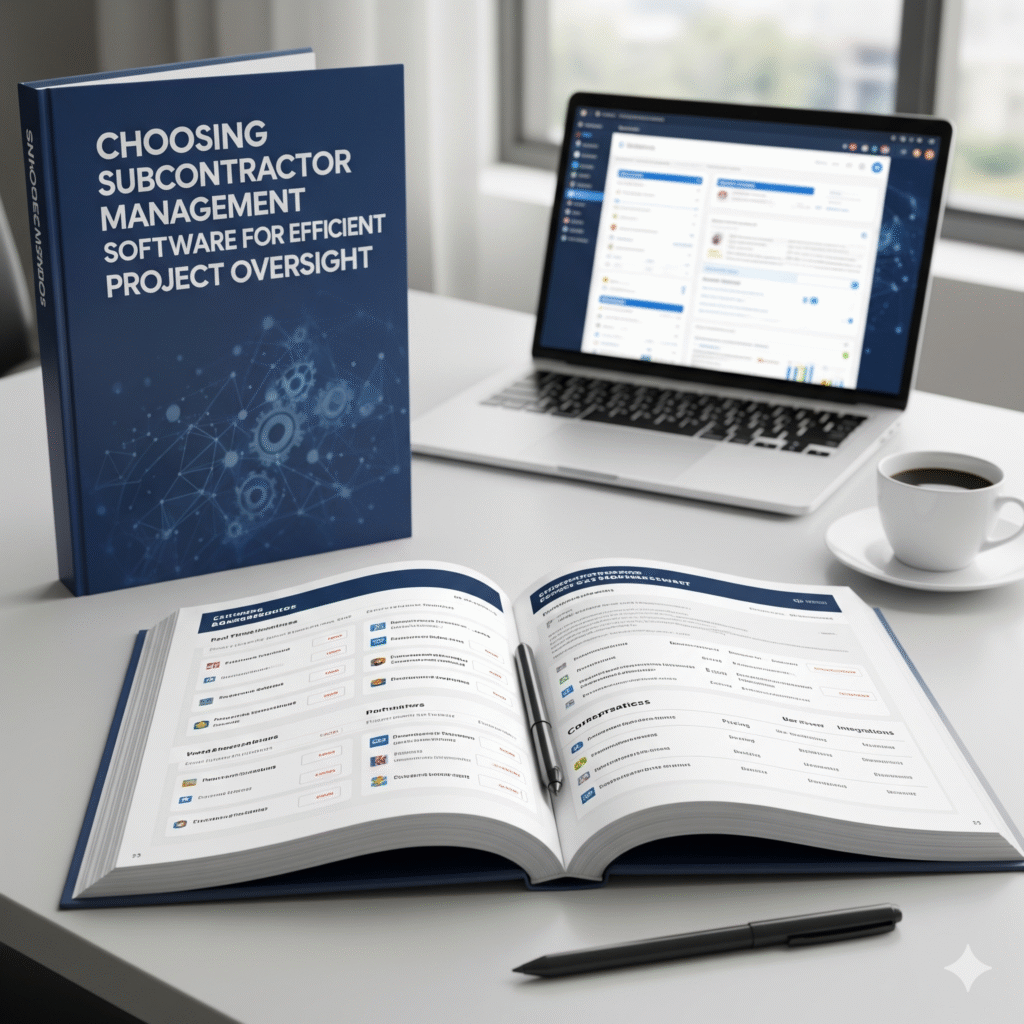
Choosing the right subcontractor management software can significantly improve project efficiency, reduce costs, and streamline communication between general contractors and subcontractors. The ultimate goal is to find a solution that offers clear visibility into contractor operations, manages risks effectively, and adapts to the specific needs of the team on the ground. Choosing accurate software is a game changer for subcontractors.

With many options available in 2025, selecting software involves evaluating key features such as real-time project tracking, cost control, compliance support, and ease of use in fast-paced work environments. A well-chosen tool helps manage deadlines, bids, and fieldwork without adding unnecessary complexity.
This guide will walk through essential considerations and top software solutions, helping readers identify the best fit for their organizational size, workflow, and project demands. By understanding these factors, teams can make informed choices that support both operational success and strong subcontractor relationships.
Key Features of Subcontractor Management Software

Subcontractor management software must streamline critical processes such as verifying subcontractor credentials, onboarding new contractors, organizing essential documents, and ensuring ongoing regulatory compliance. These features help improve workflow efficiency and reduce risks associated with subcontractor work.
Vendor Prequalification Tools
Vendor prequalification tools help verify the legitimacy and capability of subcontractors before work begins. They typically gather and assess information such as licenses, insurance certificates, safety records, and past performance data.
Automated checks can flag expired documents or missing certifications. This reduces the risk of engaging subcontractors who fail to meet legal or project-specific requirements. Some platforms enable scoring or ranking vendors based on risk factors, making selection more transparent and data-driven.
Tracking subcontractor history and qualifications in one place simplifies management and prevents costly delays or rework caused by unqualified vendors.
Contractor Onboarding Capabilities
Contractor onboarding capabilities facilitate the smooth integration of new subcontractors into ongoing projects. These features allow automated distribution and collection of key onboarding documents, such as contracts, compliance forms, and safety acknowledgments.
Electronic signatures and digital form submissions accelerate the onboarding timeline. Some systems offer task checklists to ensure all steps—from documentation to orientation—are completed before work starts.
Centralizing onboarding data reduces administrative overhead and ensures all subcontractors meet project requirements. It also supports consistent communication, preventing misalignment between general contractors and subcontractors.
Document Management Systems
Document management systems organize, store, and provide easy access to critical subcontractor documents. These include contracts, insurance policies, safety manuals, change orders, and payment records.
Robust search and tagging functionality help users find files quickly. Version control prevents confusion by ensuring the most recent documents are always accessible.
Permissions can be set to restrict document access based on user roles, enhancing data security. Automatic reminders for document renewals help maintain up-to-date compliance and reduce the risk of project interruptions.
Automated Compliance Tracking
Automated compliance tracking monitors subcontractors’ adherence to safety, legal, and contractual obligations in real time. Notifications alert managers to upcoming expirations of licenses, insurance, or certifications.
This feature reduces manual tracking burdens and helps prevent work stoppages caused by compliance lapses. Some tools generate audit trails and compliance reports, supporting regulatory inspections and internal reviews.
By maintaining continuous visibility on subcontractor compliance status, project leaders can mitigate risk and maintain project schedules efficiently.
Evaluating Your Business Needs
Selecting the right subcontractor management software requires a clear understanding of specific operational demands. Factors such as project scope, technology compatibility, and industry regulations directly influence the choice.
Project Size and Complexity
The scale and intricacy of projects dictate the software features required. Smaller projects may only need basic scheduling and communication tools, while large, multifaceted projects benefit from advanced functionalities like real-time tracking, document management, and workflow automation.
Consider the number of subcontractors involved and how many projects run simultaneously. Software designed to manage multiple projects and large teams will support efficiency, minimize errors, and enhance oversight.
Key aspects to evaluate include:
- Task assignment and progress monitoring
- Resource allocation and budgeting features
- Reporting capabilities for complex projects
Integration with Existing Platforms
Compatibility with current systems is essential to maintain workflow continuity. Subcontractor management software should integrate smoothly with tools used for accounting, procurement, and project management already adopted by the company.
Integration eliminates duplicate data entry, reduces errors, and provides a unified view of operations. Look for software that supports popular formats and platforms or offers API access for custom connections.
Important integration factors:
- Sync with accounting and payroll systems
- Connection to document storage and communication platforms
- Real-time data exchange capabilities
Industry-Specific Requirements
Different sectors have unique compliance, safety, and operational standards. Software must address these requirements to facilitate onboarding, regulatory adherence, and reporting.
Construction firms, for example, require compliance tracking for licenses and certifications, while specialty trades may need tools for managing permits or specific safety protocols. Understanding these specifics ensures the software supports legal and operational guidelines directly impacting project success.
Consider these features:
- Compliance management modules
- Customizable checklists for safety and quality
- Audit trails and documentation support
Comparing Leading Solutions
Subcontractor management software varies significantly in ease of use, cost structure, and available support. These factors influence how effectively teams adopt the tool and maintain project efficiency. Understanding the specifics of each aspect helps organizations select software that aligns with their operational needs and budget constraints.
User Interface and Experience
The user interface (UI) impacts how quickly subcontractors and project managers can navigate the software. Leading solutions offer intuitive dashboards with clear visualizations of project status, deadlines, and communication threads. Mobile-friendly designs are essential due to the fieldwork nature of subcontracting, allowing teams to update tasks and access information remotely.
Smooth onboarding processes reduce training time, and customizable interfaces let users tailor workflows. Software that integrates with existing tools like accounting or scheduling systems provides a seamless experience. The best platforms avoid clutter, using icons and simplified menus to keep the focus on critical actions.
Pricing and Subscription Models
Pricing strategies differ based on feature sets, user access, and deployment types. Many providers use tiered subscriptions that scale from basic task management to full project lifecycle solutions. Monthly and annual plans are common, with discounts often offered for longer commitments.
Some products charge per user, which can be cost-effective for smaller teams but expensive for larger crews. Others offer flat fees with unlimited users but limit features. Additional costs may include onboarding fees or premium support. It’s important to compare pricing against features to ensure value without overspending on unnecessary functions.
Customer Support and Training
Reliable customer support influences software adoption and problem resolution. Top subcontractor software vendors provide multiple contact channels, including live chat, phone, and email. Some offer 24/7 availability, which is crucial for projects running across different time zones.
Training options range from extensive documentation and video tutorials to live webinars and personalized onboarding sessions. Companies that cater to different learning styles tend to achieve smoother transitions. Access to a dedicated customer success manager can also help resolve issues proactively and optimize software usage.
Implementation and Best Practices
Effective implementation requires careful planning in transferring data, encouraging user engagement, and tailoring workflows to project needs. Each area plays a critical role in reducing disruptions and maximizing software benefits.
Data Migration Strategies
Migrating data begins with auditing existing information to identify what’s essential and what can be archived or discarded. Clean, accurate data helps prevent errors during transfer and improves system reliability.
Data should be mapped carefully to align old formats with the new software’s structure. This may involve converting file types or restructuring databases.
Testing migration with a small data set first can reveal potential issues. A phased approach minimizes downtime and ensures critical project details remain accessible throughout the transition.
User Adoption Techniques
User acceptance depends on comprehensive training tailored to different roles, such as project managers or on-site supervisors. Hands-on sessions paired with clear documentation improve familiarity.
Ongoing support, like help desks or quick reference guides, encourages users to rely on the tool rather than reverting to old processes. Leadership endorsement also drives accountability.
Gamification or milestone tracking can motivate regular use by highlighting progress and productivity gains, making adoption measurable and rewarding.
Customizing Workflows
Workflows should reflect the unique stages and decision points of subcontractor management, from bidding to performance tracking. Customization makes the software flexible and aligned with existing processes.
Automating routine tasks—such as invoice approvals or compliance checks—reduces manual errors and saves time. It also enforces consistency in subcontractor management.
Tools that allow drag-and-drop interfaces or conditional steps help users adapt workflows as projects evolve or new regulations arise, ensuring scalability and relevance.
Maximizing Value and Long-Term Benefits
Choosing subcontractor management software is an investment that should yield measurable improvements over time. It requires tools that deliver actionable insights, support business expansion, and evolve through continual updates.
Performance Analytics
Performance analytics help subcontractors monitor project progress and team efficiency. Software with built-in dashboards often tracks key metrics like task completion rates, budget adherence, and subcontractor responsiveness.
These insights enable managers to identify bottlenecks and address issues quickly. For example, analyzing delay patterns allows better scheduling and resource allocation. Transparent reporting also improves communication with general contractors by providing clear project status updates.
Effective analytics can reduce rework and cost overruns, supporting more precise forecasting. Look for software that offers customizable reports and real-time data visualization to maximize decision-making.
Scaling with Business Growth
As a subcontractor’s operations expand, the software must accommodate increased project volume and complexity. Scalability features include multi-user access, role-based permissions, and integration with other business systems like accounting and procurement.
Flexible platforms allow teams to add new users or manage multiple concurrent projects without performance loss. Support for mobile devices is also critical, as field teams often operate remotely.
Choosing software with modular options helps businesses adapt without switching systems. This reduces training time and protects previous investments.
Ongoing Software Updates
Regular software updates ensure functionality keeps pace with industry standards and user needs. Reliable providers offer updates that enhance security, add features, and fix bugs without disrupting operations.
Updates may include improved interfaces, new integrations, or compliance with changing regulations. Prefer vendors who communicate update schedules clearly and provide thorough documentation.
Automatic updates reduce IT workload and keep the software optimized. This ongoing support prolongs software lifespan and helps maintain competitive advantage through continuous improvement.
Frequently Asked Questions
Key considerations include the essential functionality, integration capabilities, and regulatory compliance features of subcontractor management software. Cost factors and communication facilitation are also important, alongside robust security measures to protect sensitive project data.
What features should be prioritized when selecting subcontractor management software?
Essential features include real-time project tracking, cost control, and risk management. Tools for document sharing, performance monitoring, and automated reporting like Subtrade improved overall efficiency. Integration with field operations and safety compliance is beneficial.
How does subcontractor management software integrate with existing project management tools?
It should offer seamless data exchange with popular project management platforms via APIs or built-in connectors. Integration supports unified scheduling, budgeting, and communication workflows without duplicating effort or causing data silos.
Can effective subcontractor management software improve compliance with industry regulations?
Yes, by automating safety checks, documentation, and reporting, it ensures adherence to regulatory standards. It also maintains audit trails and supports timely updates on compliance requirements relevant to the subcontractors and projects involved.
What are the cost considerations when implementing subcontractor management software?
Costs include licensing fees, subscription plans, and potential setup or customization charges. Organizations should evaluate return on investment by considering productivity gains, reduced delays, and minimized compliance risks.
How do subcontractor management tools facilitate communication between contractors and subcontractors?
These tools provide centralized messaging, task assignments, and status updates in real time. They reduce misunderstandings via clear workflows and help manage expectations through transparent documentation and progress tracking.
What are the security measures to look for in subcontractor management software?
Look for data encryption, secure user authentication, and role-based access controls. Backup processes and compliance with data protection regulations ensure sensitive information remains protected from unauthorized access or loss.